This FAQ is intended to answer the most common questions related to the Vision Lab software. If you don’t find the answer you’re looking for, or if you have any additional questions, feel free to contact us at any time, we’re happy to help.
1. Getting Started
preML simplifies computer vision tasks, making them more accessible and efficient. The Vision Lab includes tools and functions from our industrial inspection systems, which you can also use directly to test your own use cases. To get started, you can explore our video tutorials, follow the user guide, or simply try out the features yourself.
The Vision Lab is designed for a wide range of users — from engineers with deep technical expertise to business decision-makers. Its intuitive design ensures that anyone can create, manage, and evaluate inspection solutions without requiring prior AI knowledge.
Yes. The Vision Lab can be adapted to your specific workflow and project requirements. For larger customization, we can support you with tailored development services.
2. Features & Capabilities
Yes. Supervised models can already be integrated in customized projects with our team. However, unlike anomaly detection models, they cannot yet be built and deployed directly within the platform. If this is of interest, please contact us.
You only need normal product images to train a model. Defective (“anomalous”) images are not required, but they help validate model quality. Training, validation, and deployment usually take just 5–10 minutes per model. Extensive learning materials and a free test version are available on our website.
If performance decreases due to environmental changes, retraining is the fastest and most reliable solution. With preML, creating a new model typically takes only about 5 minutes.
- Heat Maps highlight areas that contributed to the detection.
- Threshold Graphs show how cut-off values were determined and display the training dataset for better insight.
- Training Database Access lets you review the exact images used for training. This ensures complete transparency in how decisions are made.
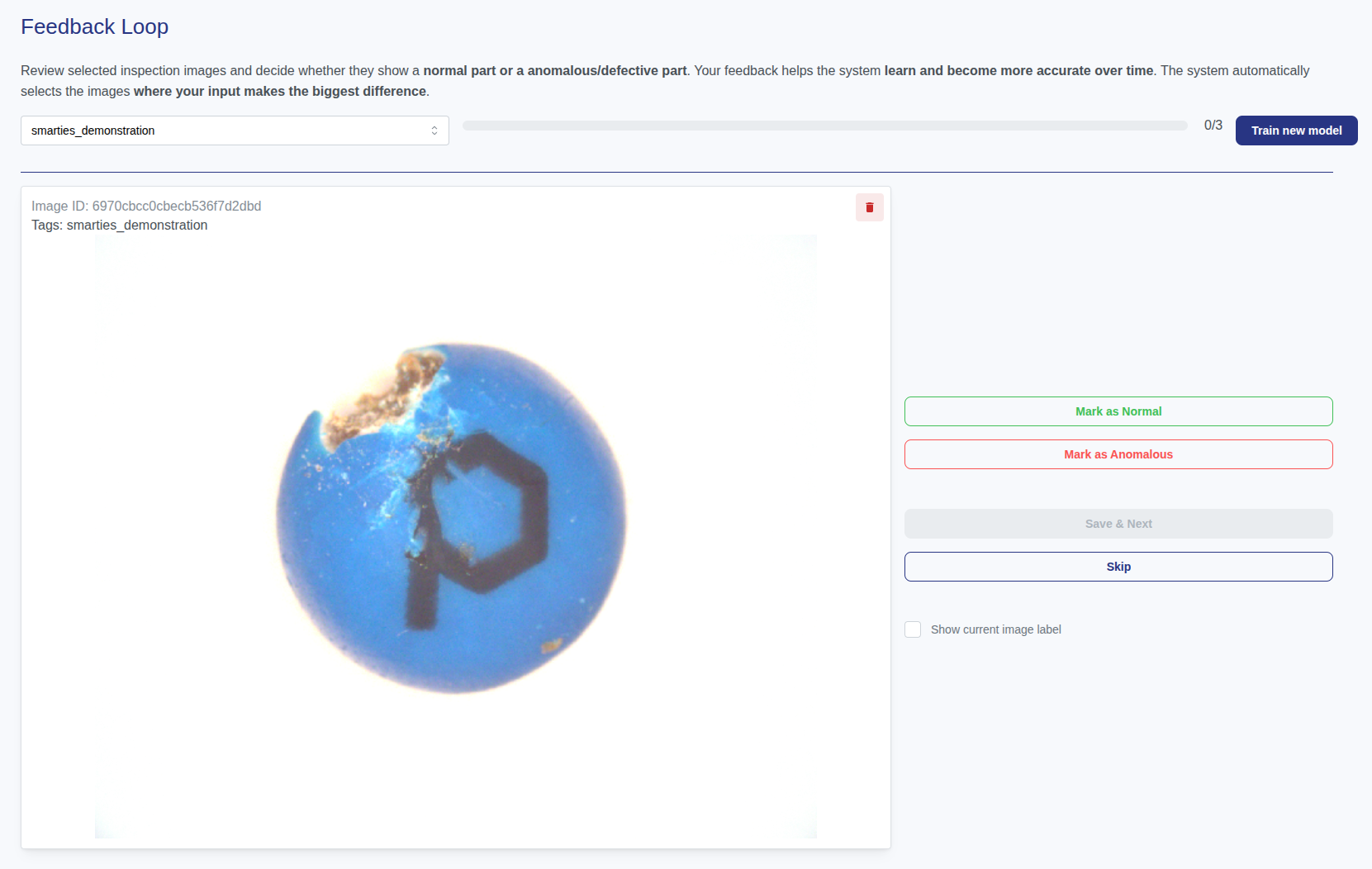
Yes. We support approaches such as using synthetic data or allowing operators and quality managers to relabel misclassified images and add them to the training set. This way, model performance improves continuously. Please contact us for this purpose.
Yes, the system can be extended with supervised models to classify specific defect types. Please note that this involves additional project cost.
3. Integration & Deployment
Yes. preML supports a wide range of APIs and connectors, making it flexible to integrate into existing enterprise systems and production workflows.
Our best-supported and most commonly integrated interfaces are OPC UA and our REST API, both of which can be directly connected to standard automation systems.
If needed, we are happy to provide the corresponding interface documentation upon request.
Supported formats are PNG, JPEG, BMP, and WebP. BMP and WebP files are automatically converted to PNG. Transparency will be removed for training purposes.
- Online Vision Lab: preMLNet downsizes to 512×512, all other models to 256×256. For higher resolution, the images needs to be split into multiple images.
- Licensed Vision Lab: preMLNet can process images up to 4096×4096. Further you have more possibilities in preprocessing and postprocessing.
For licensed use, a Starter Setup Package is required for system integration. It includes image preprocessing, trigger control, transmission to the Vision Lab, communication with the configuration dashboard, and optional edge device installation.
By default, we support the camera brands IDS Imaging, Basler, Allied Vision, Daheng and OPT.
Additional interfaces can also be implemented without any issues, please feel free to request a quotation for the integration effort.
If you change the camera model later, a new setup package may be required (unless otherwise agreed).
For processing times below 50 ms per image, we recommend upgrading from an edge device to a tower PC with higher GPU performance.
Operators can select the model from a list in the frontend. Alternatively, models can be switched automatically via an API signal (e.g., from your PLC/SPS).
Yes. The exact bypass integration is defined during project setup and depends on your production line requirements.
The most robust approach is to set up a separate model for each machine. While it is possible to transfer models between devices, differences in camera setup and lighting typically require additional calibration and image collection, increasing setup time and risk. If a centralized strategy is preferred, we can support this approach.
4. Monitoring & Quality Assurance
Performance is currently measured using the F1 Score. Thresholds can be adjusted directly by the user in the frontend, for example with the threshold graph.
If an ID is provided to the inspection system, the decision protocol (image and classification) can be retrieved in the history view. Alternatively, timestamps can be used. Please note: storage capacity is limited, so old results must eventually be deleted, auto-deleted, or transferred to external storage.
For unattended shifts, the system can be configured with robust thresholds to minimize false rejects. Uncertain cases are flagged and documented for later review by quality staff, while production continues without interruption.
5. Pricing & Support
Simply schedule a call with our team. We’ll discuss your requirements and create a plan that fits.
Pricing depends on your usage and the number of deployments. This way, you only pay for what you actually use.
Yes. Beyond the software, we provide support for integration, training, and custom development.
Weitere Materialien
Video Tutorials für das neue preML Vision Lab
Dieser Artikel sammelt aktuelle Video Tutorials für das preML Vision Lab. Vision Lab enthält verschiedene Funktionalitäten wie die Verwaltung von Bilddatensätzen, Training von KI-Modellen oder der Anzeige von Live-Systemen. [...]
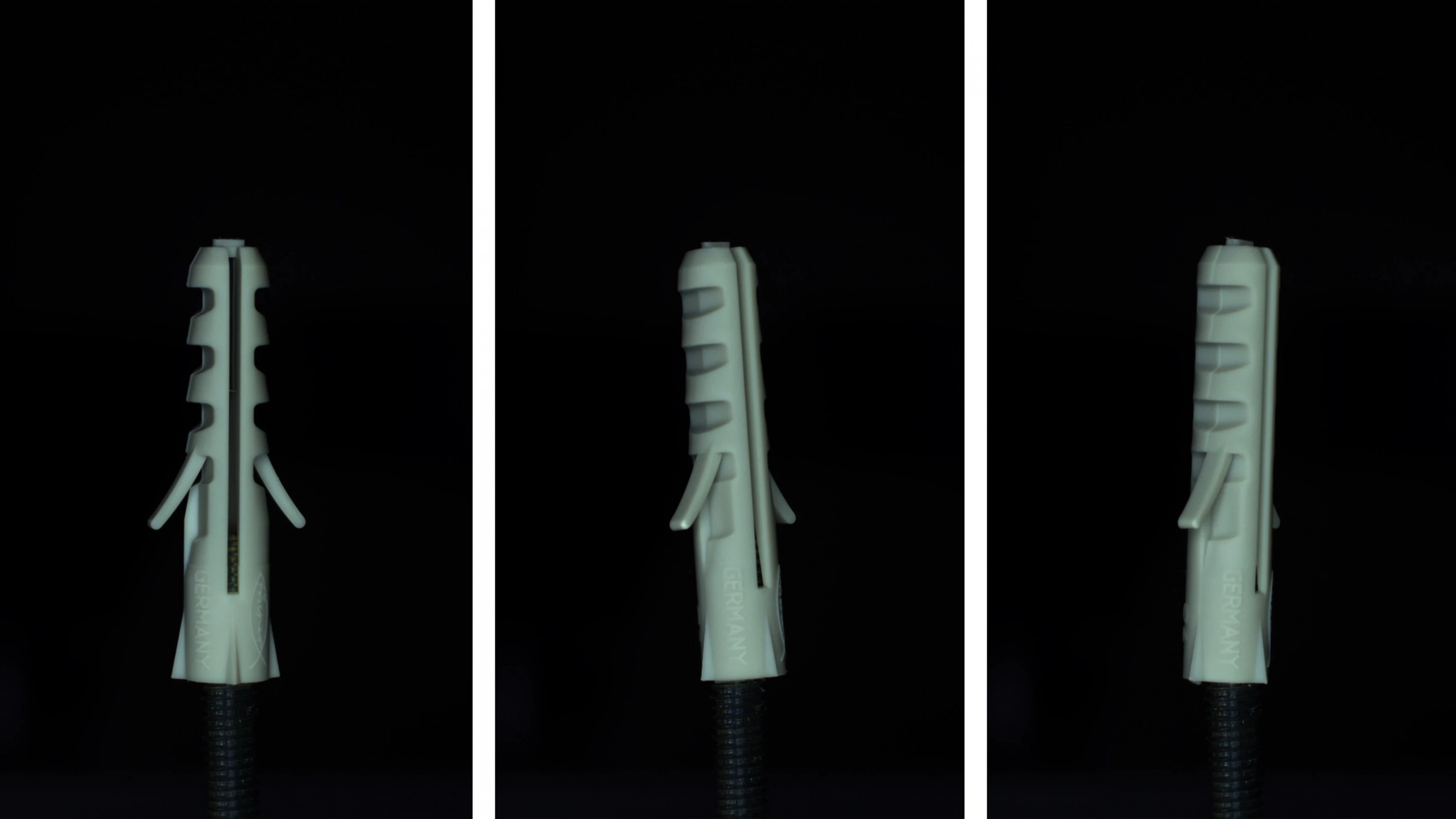
Wie erstelle ich einen hochwertigen Datensatz zur Anomalieerkennung?
Ein großer Vorteil von Anomalie-Erkennungsmodellen ist, dass sie ausschließlich mit Bildern trainiert werden, die das ideale Erscheinungsbild eines Objekts repräsentieren. Das bedeutet, man benötigt lediglich Aufnahmen von fehlerfreien Objekten. [...]
#syntheticData #computerVision #machineLearning #visualQualityControl