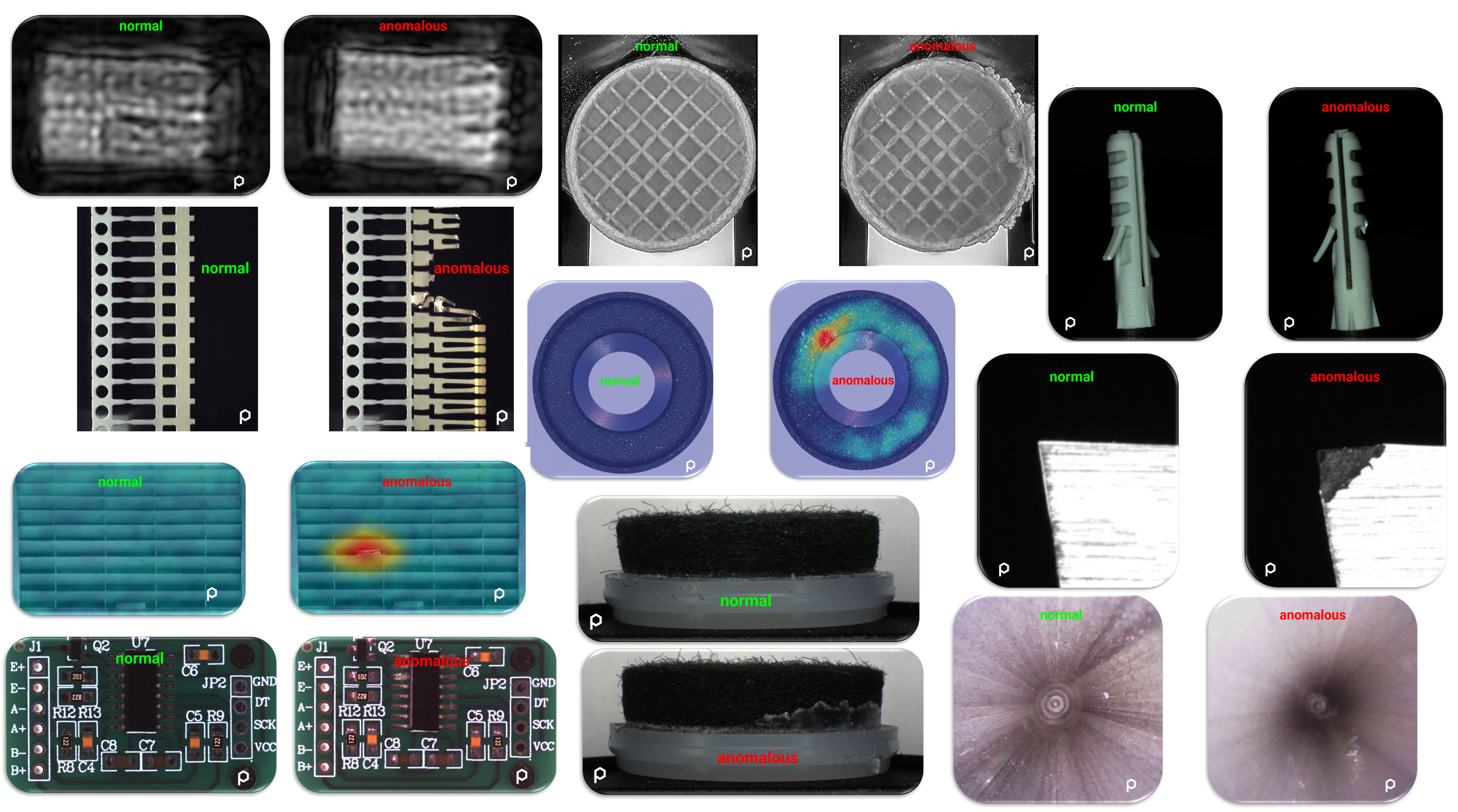
This FAQ is intended to answer the most common questions related to the Vision Lab software. If you don’t find the answer you’re looking for, or if you have any additional questions, feel free to contact us at any time, we’re happy to help.
Getting Started
preML simplifies computer vision tasks, making them more accessible and efficient. The Vision Lab includes tools and functions from our industrial inspection systems, which you can also use directly to test your own use cases. To get started, you can explore our video tutorials, follow the user guide, or simply try out the features yourself.
The Vision Lab is designed for a wide range of users — from engineers with deep technical expertise to business decision-makers. Its intuitive design ensures that anyone can create, manage, and evaluate inspection solutions without requiring prior AI knowledge.
Yes. The Vision Lab can be adapted to your specific workflow and project requirements. For larger customization, we can support you with tailored development services.
You only need normal product images to train a model. Defective (“anomalous”) images are not required, but they help validate model quality. Training, validation, and deployment usually take just 5 to 10 minutes per model. Extensive learning materials and a free test version are available on our website.
In the online Demo version, supported formats are PNG, JPEG, BMP, and WebP. BMP and WebP files are automatically converted to PNG. Transparency will be removed for training purposes.
Online Vision Lab: preMLNet downsizes to 512×512, all other models to 256×256.
Licensed Vision Lab: preMLNet can process images up to 4096×4096. Higher resolutions usually do not improve results beyond these sizes.
How Anomaly Detection Works
Anomaly detection is like teaching a computer to recognize what’s normal and then finding things that are not normal. Imagine you’re looking at pictures of perfectly healthy hazelnuts, and you teach the computer to recognize them as normal. If there’s a picture with a damaged or unusual hazelnut, the computer can spot it because it doesn’t match what it learned as normal. So, it helps find things that are different or not quite right, making it useful for checking the quality of products like hazelnuts in images.
Taking the pictures, also called image acquisition, is crucial for machine vision, but it can be tough. We presume that you may not have access to industrial-grade camera and lighting equipment for dataset creation; nevertheless, some tips:
- Be Consistent: Keep the camera still, use the same lighting, and position the object the same way.
- Get a Good View: Make sure the thing you’re looking at fills the picture.
- 10-50 Normal Images: Generally, a model becomes more robust as the number of images increases. However, excessive uploads may lead to increased very long processing times, so at the moment it just doesn’t make sense for this application to put more.
- Be Realistic: Think about how this could work in your real production line. No need to fake anything.
- Learn as You Go: Start with simple phone pictures. See how it goes, and learn from the results.
If you’re unsure, reach out. We’re here to help, and it won’t cost you anything to ask us this.
The threshold determines how sensitive the model reacts to deviation. If the threshold is increased, fewer areas are considered as anomalies and vice-versa.
If the position of the object is important, i.e. the object should always be in the center and a displacement should be detected as an error, it is important to select PaDiM as the model. Otherwise, PatchCore is recommended, as it usually delivers better results. The preML Net takes longer to train but may lead to even better results.
Features & Capabilities
Yes. Supervised models can already be integrated in customized projects with our team. However, unlike anomaly detection models, they cannot yet be built and deployed directly within the platform. If this is of interest, please contact us.
If performance decreases due to environmental changes, retraining is the fastest and most reliable solution. With preML, creating a new model typically takes only about 5 minutes.
- Heat Maps highlight areas that contributed to the detection.
- Threshold Graphs show how cut-off values were determined and display the training dataset for better insight.
- Training Database Access lets you review the exact images used for training. This ensures complete transparency in how decisions are made.
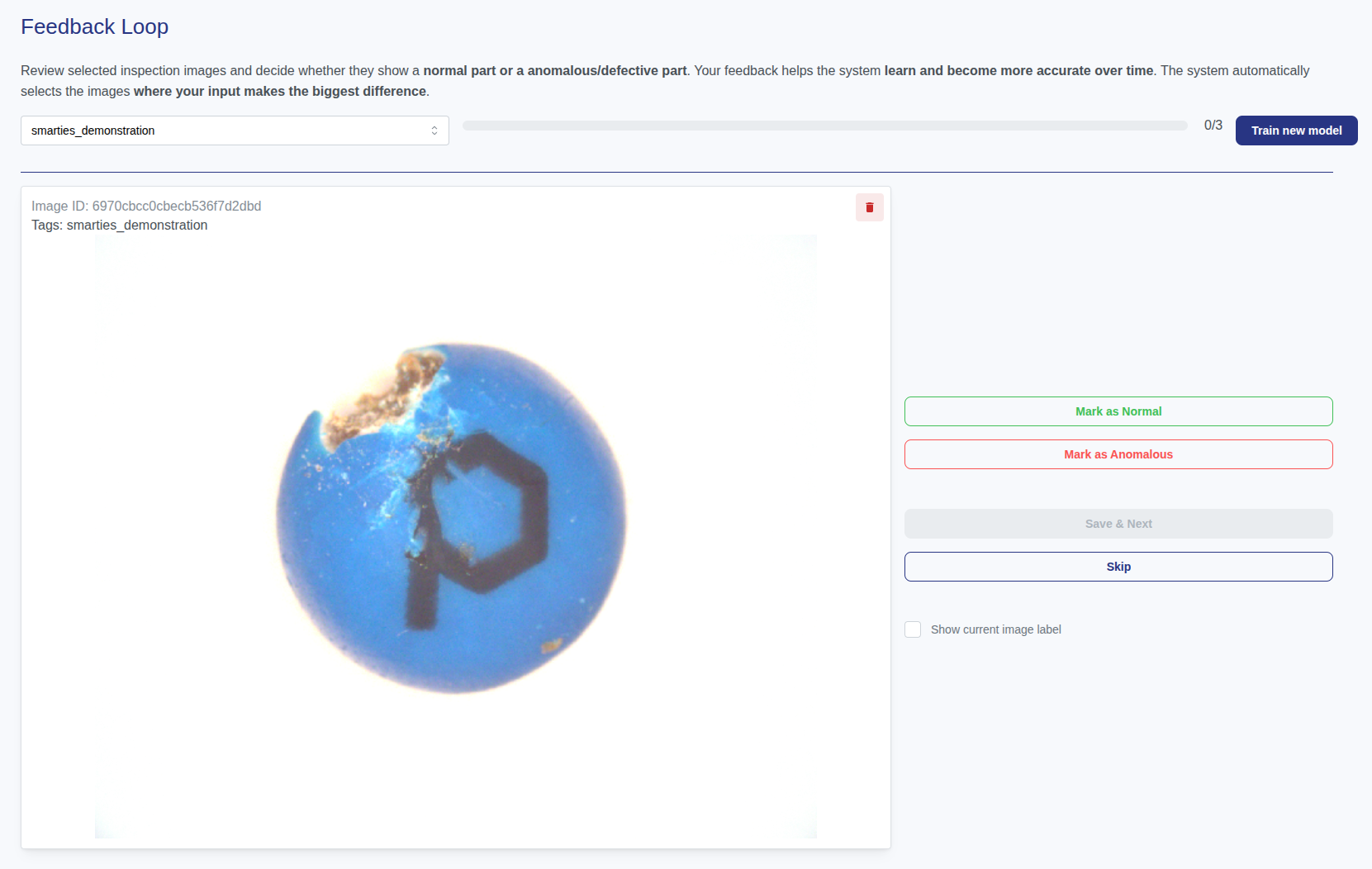
Yes. We support approaches such as using synthetic data or allowing operators and quality managers to relabel misclassified images and add them to the training set. This way, model performance improves continuously. Please contact us for this purpose.
Yes, the system can be extended with supervised models to classify specific defect types. Please note that this involves additional project cost.
Integration & Automation
Yes. preML supports a wide range of APIs and connectors, making it flexible to integrate into existing enterprise systems and production workflows.
Our best-supported and most commonly integrated interfaces are OPC UA and our REST API, both of which can be directly connected to standard automation systems.
If needed, we are happy to provide the corresponding interface documentation upon request.
For licensed use, a Starter Setup Package is required for system integration. It includes image preprocessing, trigger control, transmission to the Vision Lab, communication with the configuration dashboard, and optional edge device installation.
By default, we support the camera brands IDS Imaging, Basler, Allied Vision, Daheng and OPT.
Additional interfaces can also be implemented without any issues, please feel free to request a quotation for the integration effort.
If you change the camera model later, a new setup package may be required (unless otherwise agreed).
For processing times below 50 ms per image, we recommend upgrading from an edge device to a tower PC with higher GPU performance.
Operators can select the model from a list in the frontend. Alternatively, models can be switched automatically via an API signal (e.g., from your PLC/SPS).
Yes. The exact bypass integration is defined during project setup and depends on your production line requirements.
The most robust approach is to set up a separate model for each machine. While it is possible to transfer models between devices, differences in camera setup and lighting typically require additional calibration and image collection, increasing setup time and risk. If a centralized strategy is preferred, we can support this approach.
IT & Infrastructure
Yes. The system can be operated entirely on-premise on local hardware, or deployed within a server-based infrastructure. This can be either the customer’s own infrastructure (e.g. private cloud or central server) or a cloud environment provided and operated by the vendor, depending on your IT and security requirements.
The system is classified as Minimal Risk under the EU AI Act, as it is used solely for quality inspection of parts and does not process personal data. A re-evaluation would only be required if the system were used for safety-critical inspections.
No. The on-premise system can run completely standalone without any network or internet connection.
Network connectivity is optional and only required if the customer wants secure remote access for updates, maintenance, or support. For more details, see the ‘On-Premise’ FAQ section below.
Data retention is configurable. Depending on customer requirements, all images or only defect images can be stored for a defined period (e.g., short-term storage for all images and longer retention for defect images).
Inspection images are stored locally on the system’s computing unit in a file-based directory structure. References and metadata are managed in an internal database to link images with inspection results.
The local on-premise system does not include automatic backups by default. AI models and training data are maintained and backed up by preML if we have done the installation. Optional backup services for local system data can be provided if required.
Yes. Support is provided within the scope of standard product warranty for the delivered system state. If required, this may include on-site service. Additional support, training, or system extensions can be requested on demand.
No. The system is designed as a self-contained industrial solution and does not require Linux knowledge or ongoing administration by the customer’s IT department.
No. System-level access is not required or intended for normal operation. The system is delivered ready
Monitoring & Quality Assurance
If an ID is provided to the inspection system, the decision protocol (image and classification) can be retrieved in the history view. Alternatively, timestamps can be used. Please note: storage capacity is limited, so old results must eventually be deleted, auto-deleted, or transferred to external storage.
Pricing & Support
The software is sold as a project-based license per system, which includes the right to use it on the deployed system.
If you want to run the software on an edge device, the cost of that device must be included.
Depending on your use case, you may also need to budget for:
- Hardware such as cameras and lighting
- Installation and setup
- Special requirements unique to your environment
- Optional maintenance or support services
The total cost depends on your specific configuration and requirements. We can provide a tailored quote based on your system, hardware choices, and service needs.
Yes. Beyond the software, we provide support for integration, training, and custom development.
Yes, as an integrator, you can absolutely use the preML Vision Lab for your clients. Our platform is designed to support multiple use cases, allowing you to create, manage, and deploy solutions on behalf of your clients with ease.
Weitere Materialien
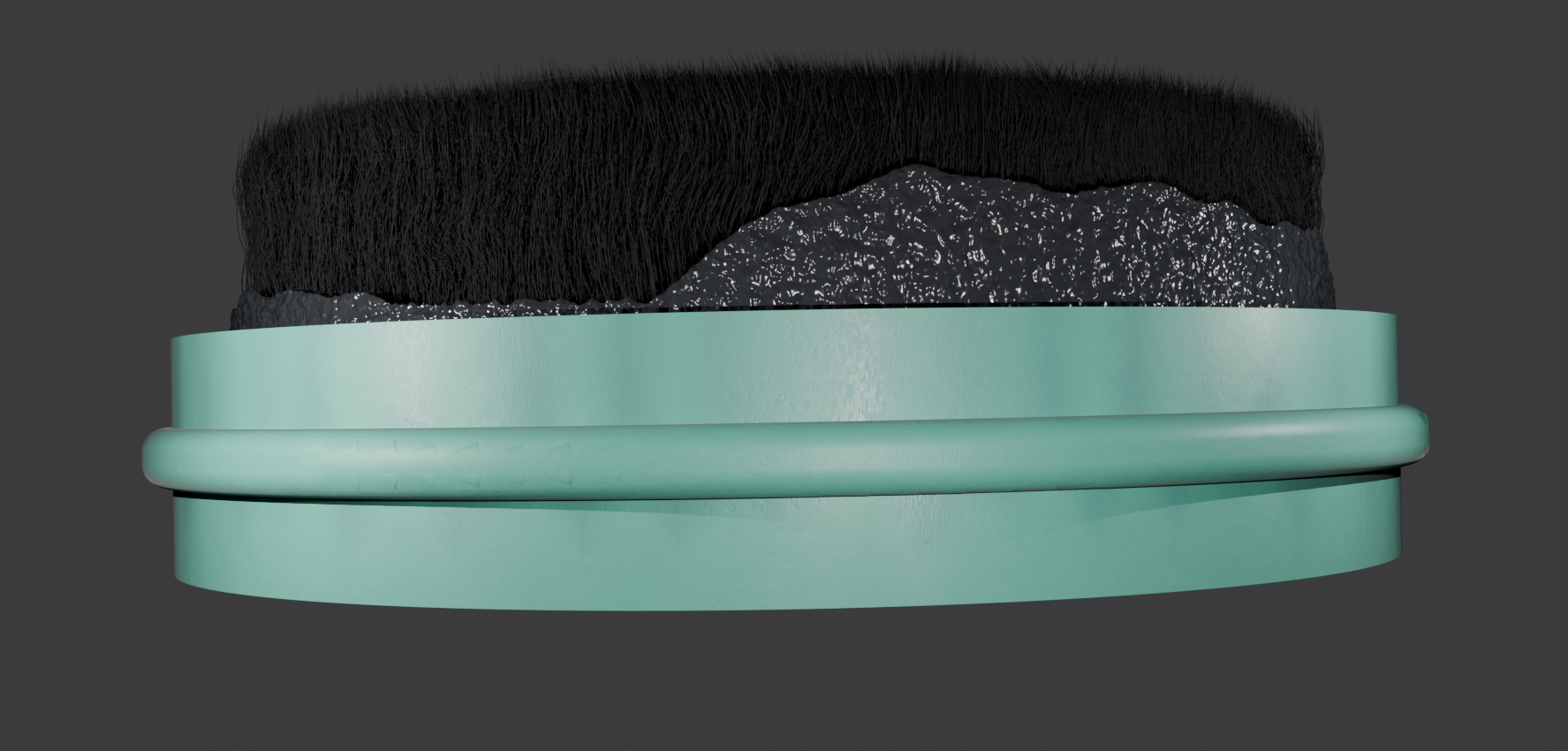
AI development with synthetic images for visual inspection of injection molded parts
Advances in the field of artificial intelligence (AI) are also opening up new opportunities for automation in visual quality inspection. However, a large amount of data is required to [...]
Tutorials – Anomaly Detection with the preML Dashboard
This article compiles the latest tutorials for the preML Dashboard. The dashboard includes various functionalities such as managing image datasets, training AI models, and displaying live systems. [...]
Consensus – How To Detect Data Poisoning with Active Learning
Active Learning is primarily about reducing the amount of data required to train an AI model. To do this, an AI model is used to specifically select the data [...]
#syntheticData #computerVision #machineLearning #visualQualityControl